Affirmation widgets for your iPhone
See a positive affirmation every time you pick up your phone. Affirmosa adds affirmation widgets to your Lock Screen and to your Home Screen, in small and wide sizes.
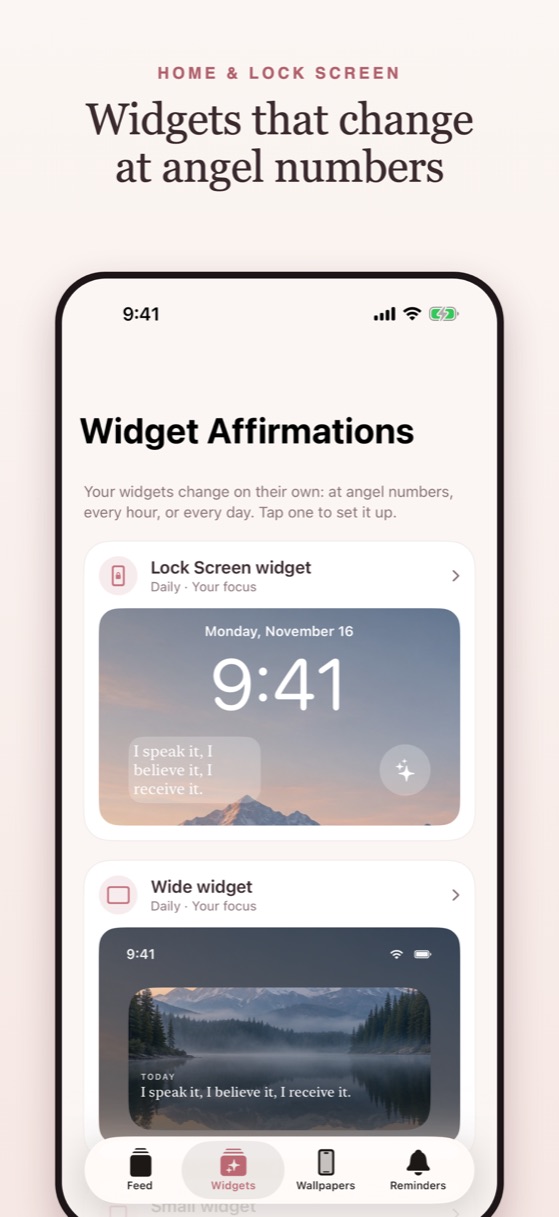
Choose how often it changes
- At angel numbers: 11:11, 2:22, 3:33 and more.
- Every hour, three times a day, or once a day like a daily affirmation widget.
- Never: keep one line you love on your screen.
Each widget keeps its own rhythm and its own categories, so your Lock Screen can show confidence lines while your Home Screen shows gratitude. Home Screen widgets can change the words, the photo, or both.
How to add an affirmation widget to your Lock Screen
- Install Affirmosa and set up your widget in the Widgets tab.
- Touch and hold your Lock Screen, then tap Customize and Lock Screen.
- Tap the row under the clock and choose Affirmosa.
- Tap Done.
For the Home Screen: touch and hold an empty spot, tap Edit, then Add Widget, search "Affirmosa" and pick a size. The app walks you through every step.
Questions
Is there an affirmation widget for iPhone?
Yes. Affirmosa adds affirmation widgets to the iPhone Lock Screen and Home Screen, in small and wide sizes.
Can the widget show a new affirmation every day?
Yes. Choose once a day, three times a day, every hour, at angel numbers, or one line that stays.
Can I choose the kind of affirmations?
Yes. Each widget can show your own mix of categories, such as Confidence, Manifest, Self-love or Gratitude.
Can I use my own words?
Yes. Write your own affirmation or reword any line, and keep it on your widget.
Coming soon to theApp Store