Affirmation wallpapers for your Lock Screen
Put an affirmation on a calm nature photo and save it as your iPhone wallpaper in a few taps.
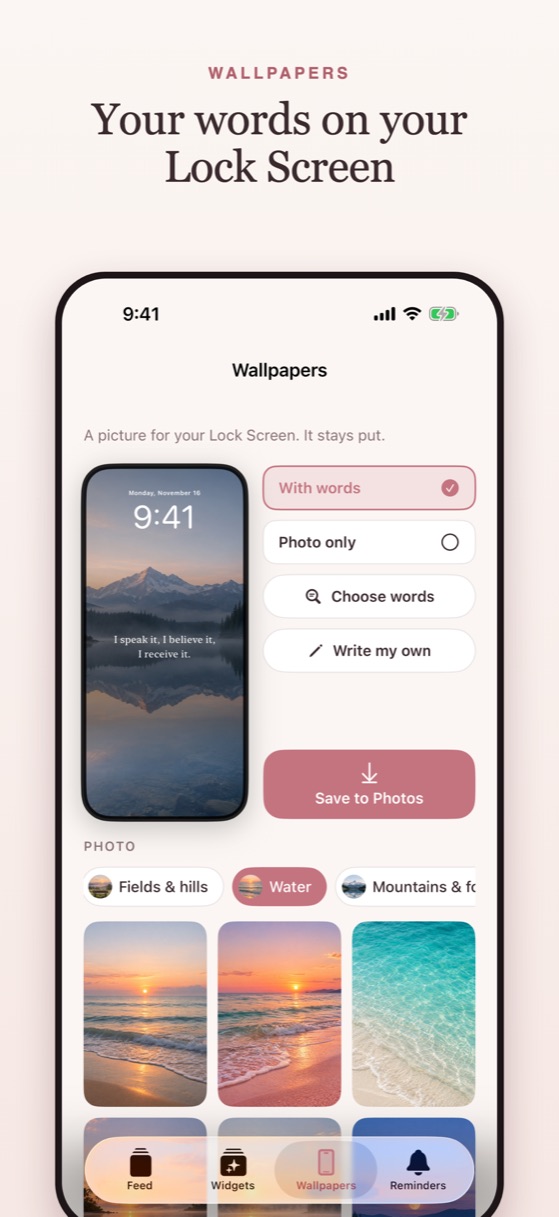
How it works
- Open Wallpapers and choose your words, or write your own.
- Pick a photo: skies, flowers, water, mountains or night sky.
- Tap Save to Photos.
- Set it from your Lock Screen: touch and hold, tap +, then Photos.
Aesthetic sets
Golden hour, Coastal, Evergreen, Night sky and Desert dusk: each set matches your wallpaper, your widgets and your app icon. Or choose Photo only and let a Lock Screen widget carry the words, so they change through the day.
Questions
How do I put an affirmation on my iPhone Lock Screen?
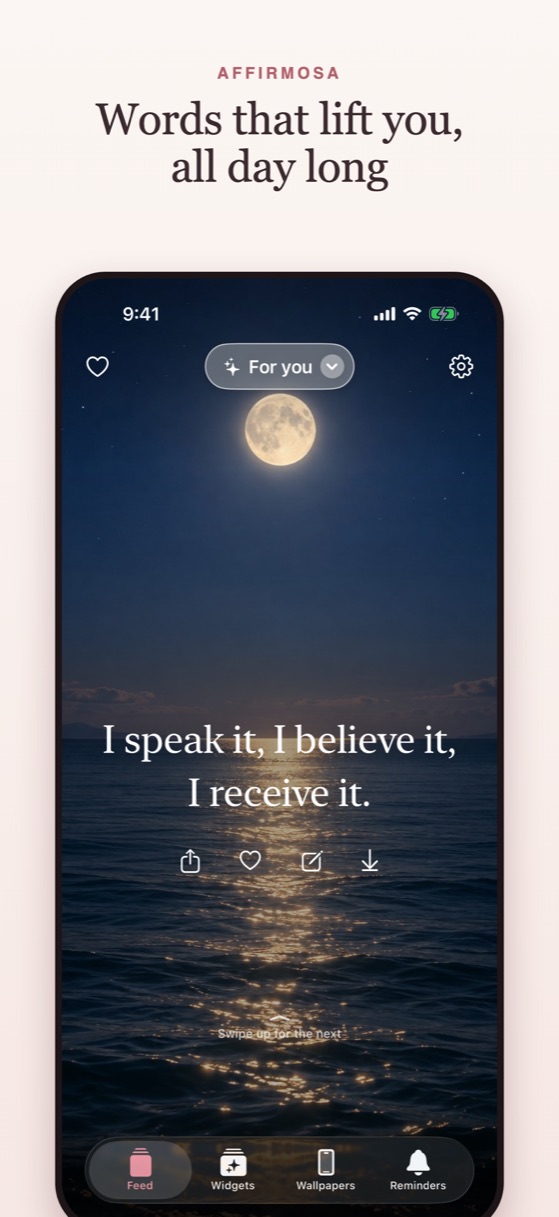
Make an affirmation wallpaper in Affirmosa and save it to Photos, or add an Affirmosa Lock Screen widget for words that change.
Can I write my own affirmation wallpaper?
Yes. Type your own words and put them on any photo in the app.
Coming soon to theApp Store